
Winbetin Deposit & Withdrawal Methods
Winbetin payment methods provide players in Kenya with a convenient way to deposit and withdraw funds using M-Pesa. Manage your transactions in Kenyan shillings (KES), top up your account and withdraw your winnings directly to your registered mobile number.
Winbetin Payment Methods
M-Pesa is the payment method at the centre of Winbetin. Deposits come in from M-Pesa, winnings go out to M-Pesa, and the account balance between the two is kept in Kenyan shillings.
Every payment is tied to your phone number. The Winbetin terms allow only Kenyan cellphone numbers to register, deposit and withdraw, and the registration form reminds players to make sure the number is activated on M-Pesa. In practice this means one line does three jobs: it is your login, your deposit source and your payout destination.
Because money only moves between your account and your own M-Pesa line, there is no need to enter card details or bank information on the platform.
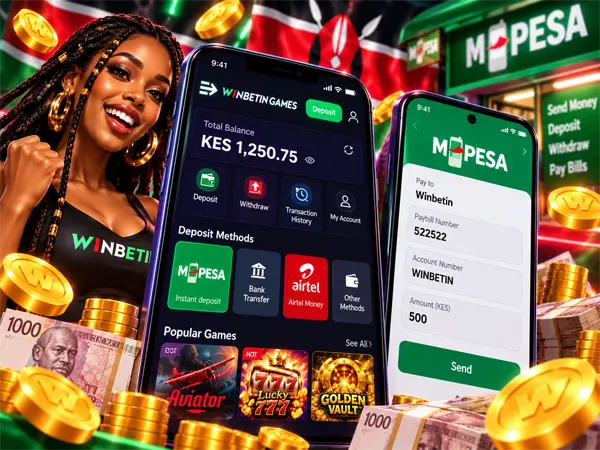
- M-Pesadeposits and withdrawals
- KESaccount balance
- +254Kenyan number only
Deposit Money to Winbetin
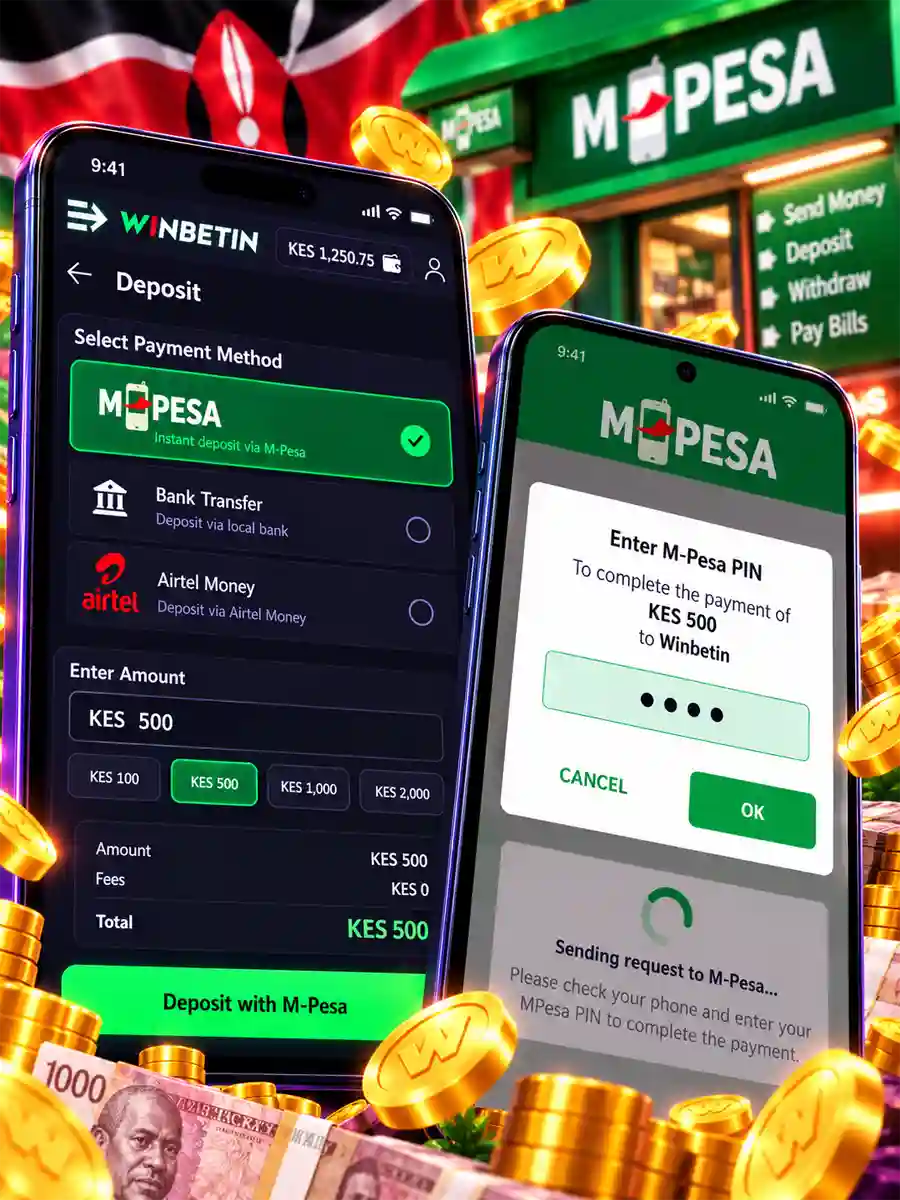
A Winbetin deposit starts inside your account, not in the M-Pesa menu. The platform sends a payment request to your phone, and you approve it there.
-
Sign in and open Deposit
Log in on winbetin.com or in the Winbetin app and choose the deposit option in your account.
-
Enter the amount in KES
Type or choose the amount you want to add. It is shown in Kenyan shillings, the currency of your balance.
-
Wait for the M-Pesa request
The screen shows “Sending request to M-Pesa, please wait” while the request travels to your phone. Keep the phone unlocked and close by.
-
Approve with your M-Pesa PIN
Check the amount and the recipient in the prompt, enter your PIN and confirm. When the request completes, the shillings appear on your Winbetin balance.
Winbetin Paybill Number
“Winbetin Paybill number” is one of the most searched payment questions, usually by players who want to top up through the Lipa na M-Pesa menu instead of the account. The safest way to get the right Paybill is to take it from the payment step in your own Winbetin account. That is where the operator shows the current business number and account details for your deposit, at the moment you are about to pay.
Pay Bill online from your account
For most players, paying online is simpler than entering a Paybill by hand. When you deposit from your account, Winbetin sends the M-Pesa request to your phone with the payment details already filled in. You only check the amount and enter your PIN, so there is no business number or account number to type and no chance of a digit going wrong.
Paying manually from the M-Pesa menu
If you prefer Lipa na M-Pesa, use the Paybill and account number exactly as they appear in your Winbetin payment screen. Pay from the M-Pesa line registered on your account, so the money can be matched to you.
Withdraw Money from Winbetin
Winnings leave Winbetin the same way deposits arrive: through M-Pesa. A withdrawal is paid to the Kenyan number registered on your account, which is also the number you sign in with.
-
Open Withdraw in your account
Sign in and choose the withdrawal option from your balance.
-
Enter the amount
Enter how much you want to take out in Kenyan shillings and follow the instructions on the screen.
-
Receive it on M-Pesa
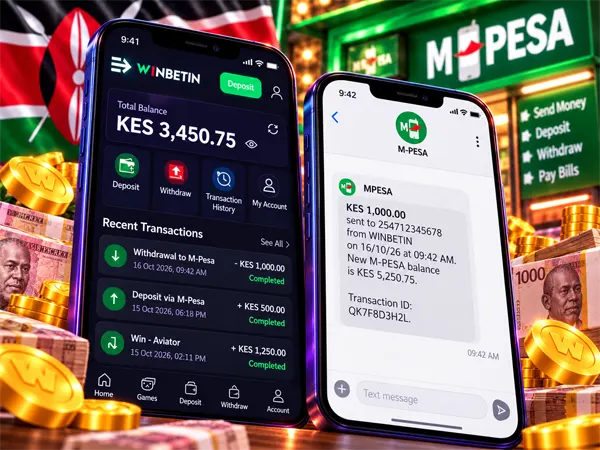
The payout is sent to your registered M-Pesa line, and M-Pesa confirms the incoming money by SMS.
What is deducted from a withdrawal
Under the Winbetin terms, charges levied by the M-Pesa gateway are deducted from your account, and so are any taxes due to the Kenya Revenue Authority. The platform states that winnings are subject to 20% tax. Where tax is withheld on a prize, the terms provide for a tax withholding certificate.
Deposits and Withdrawals in KES
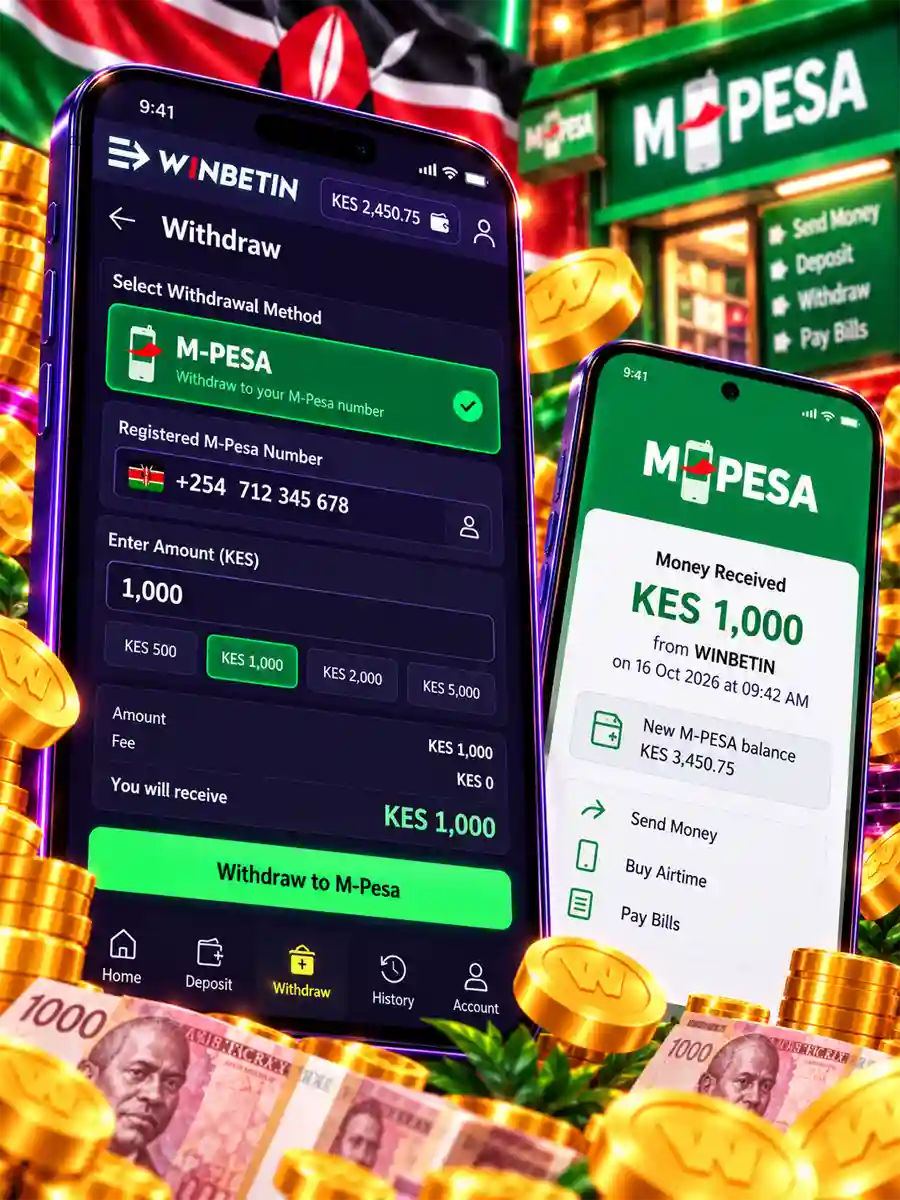
Everything on Winbetin is counted in Kenyan shillings: the amount you deposit, the stake in each game, your winnings and the amount you withdraw. There is no currency conversion between your M-Pesa wallet and your balance, so the figure you approve on your phone is the figure that reaches the account.
The difference you may notice is on the way out. Gateway charges and tax are taken from the account, so the amount that lands on M-Pesa can be lower than the winnings shown in a game. The balance in your account is the figure to check before you request a payout.
| Item | How it works on Winbetin |
|---|---|
| Currency | Kenyan shilling (KES) for deposits, play, winnings and withdrawals |
| Payment method | M-Pesa |
| Phone number | Kenyan cellphone number registered on the account and activated on M-Pesa |
| M-Pesa charges | Gateway charges deducted from the account |
| Tax | KRA taxes deducted from the account; winnings subject to 20% tax |
Deposit Problems
Most deposit trouble comes from the phone, the M-Pesa line or the connection, and can be fixed in a minute.
The M-Pesa prompt never appears
Check that the number on your Winbetin account is the one in your phone and that it is activated on M-Pesa. Unlock the screen, make sure you have network signal and start the deposit again.
“Incorrect number phone, please check again”
The number entered does not match a valid Kenyan line. Re-enter it carefully. Only Kenyan cellphone numbers can deposit on Winbetin.
“The network appears to be disconnected”
The page lost its connection while the request was being sent. Tap Refresh as the message suggests, check your data or Wi-Fi, and look at your balance before you try the deposit again.
M-Pesa took the money but the balance has not changed
Refresh your account first; the balance updates when the request completes. If it still does not show, keep the M-Pesa confirmation SMS with its transaction code and send it to customer care with your registered number.
The deposit was sent to the wrong Paybill
Money paid to a different business number does not reach Winbetin. Contact Safaricom about the transaction, and use the payment screen in your account for every future deposit.
Not enough funds or a failed PIN
M-Pesa declines the request when the wallet balance is too low or the PIN is wrong. Top up your M-Pesa wallet or re-enter the PIN, then start a new deposit from your account.
Withdrawal Problems
The amount received is lower than expected
This is usually the deductions, not an error. M-Pesa gateway charges and tax are taken from the account before the payout, and winnings are subject to 20% tax. Compare the M-Pesa SMS with the withdrawal amount and these deductions before contacting support.
The withdrawal has not arrived on M-Pesa
Check that the payout went to the number registered on your account; Winbetin pays only to that line. Look for an M-Pesa SMS on that SIM, then contact customer care with your number, the amount and the time of the request.
You changed your phone number
Payments follow the Kenyan number on the account, so a new SIM is not enough on its own. Speak to customer care before you request a withdrawal to a different line.
A prize needs to be claimed
For Wildlife Online prizes, the terms set a claim period of 30 days after the draw. A claim can be made through your account, by phone to customer care, or in person at the operator’s registered office in Nairobi, and proof of identity may be requested.
Winbetin customer care
Email: [email protected]
Phone: +254 106 871 887 · +254 799 457 013
Hours: 08:00 – 00:00
Winbetin Payments FAQ
What is the Winbetin Paybill number?
Use the Paybill and account number shown in the deposit step of your Winbetin account. Depositing from the account sends the M-Pesa request with the details already filled in.
How do I deposit to Winbetin with M-Pesa?
Sign in, open Deposit, enter the amount in KES and approve the M-Pesa request on your phone with your PIN.
Can I deposit or withdraw with another phone number?
Payments use the Kenyan number registered on your account, and only Kenyan cellphone numbers are accepted.
Are there charges on Winbetin withdrawals?
M-Pesa gateway charges and applicable KRA taxes are deducted from the account. Winnings are subject to 20% tax.
My M-Pesa was charged but my balance did not change. What now?
Refresh your account. If the deposit still does not appear, send the M-Pesa transaction code and your registered number to customer care.